
Best Bookmark Manager for Android 2026
Chrome on Android has bookmarks. Finding them? Good luck. They're buried under three menu taps, displayed as a text list, with no search.
Android users need a dedicated bookmark tool more than anyone.
1. Markify (Best Android App)
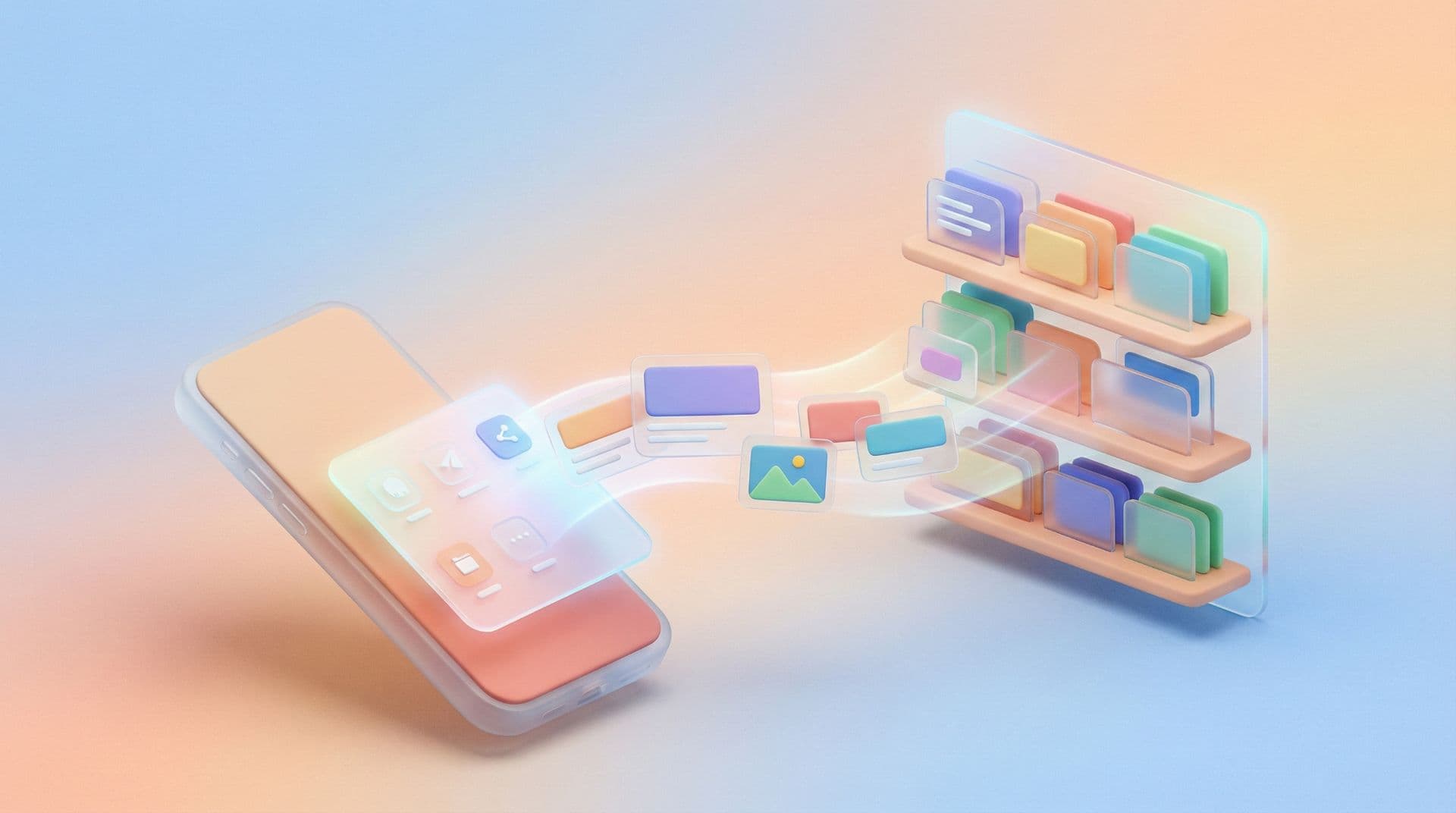
Markify on Android integrates with the system share sheet. See something in Chrome, Twitter, or YouTube? Share → Markify → saved with auto-tags.
The app displays visual thumbnails, so browsing your collection feels natural even on a small screen.
2. Pocket (Best for Article Reading)
Pocket on Android has a stellar reading experience with offline downloads. Limited for non-article content.
3. Raindrop.io (Best for Power Users)
Raindrop's Android app mirrors the desktop experience. All features, smaller screen.
Android-Specific Tips
Add to home screen. Create a Markify shortcut on your Android home screen for instant access.
Use share intent. Never copy-paste URLs. Share directly from any app.
Widget. Markify offers a home screen widget showing your recent saves and quick search.
The Mobile-First Reality
More than half of web browsing happens on mobile. Your bookmark system needs to be mobile-first, not mobile-tolerable.
Frequently Asked Questions
Does Markify work on all Android versions?
Yes. Android 8 and above.
Can I import Chrome mobile bookmarks?
Export from Chrome desktop (which syncs mobile bookmarks) and import into Markify.
Does Markify use much battery?
No. It only activates when you use it.
Thanks for reading!
Read more articles

