
How to Sync Bookmarks Across All My Devices in 2026
I use Chrome at work, Safari on my iPhone, and Edge at home. Three browsers, three separate bookmark worlds.
Every time I saved something at work, I'd email myself the link just so I could find it on my phone. That's not a system. That's a cry for help.
Why Browser Sync Doesn't Cut It
Chrome syncs Chrome bookmarks. Safari syncs Safari bookmarks. They don't talk to each other.
If you're a one-browser person, native sync works fine. But most of us aren't.
The Cross-Browser Solution
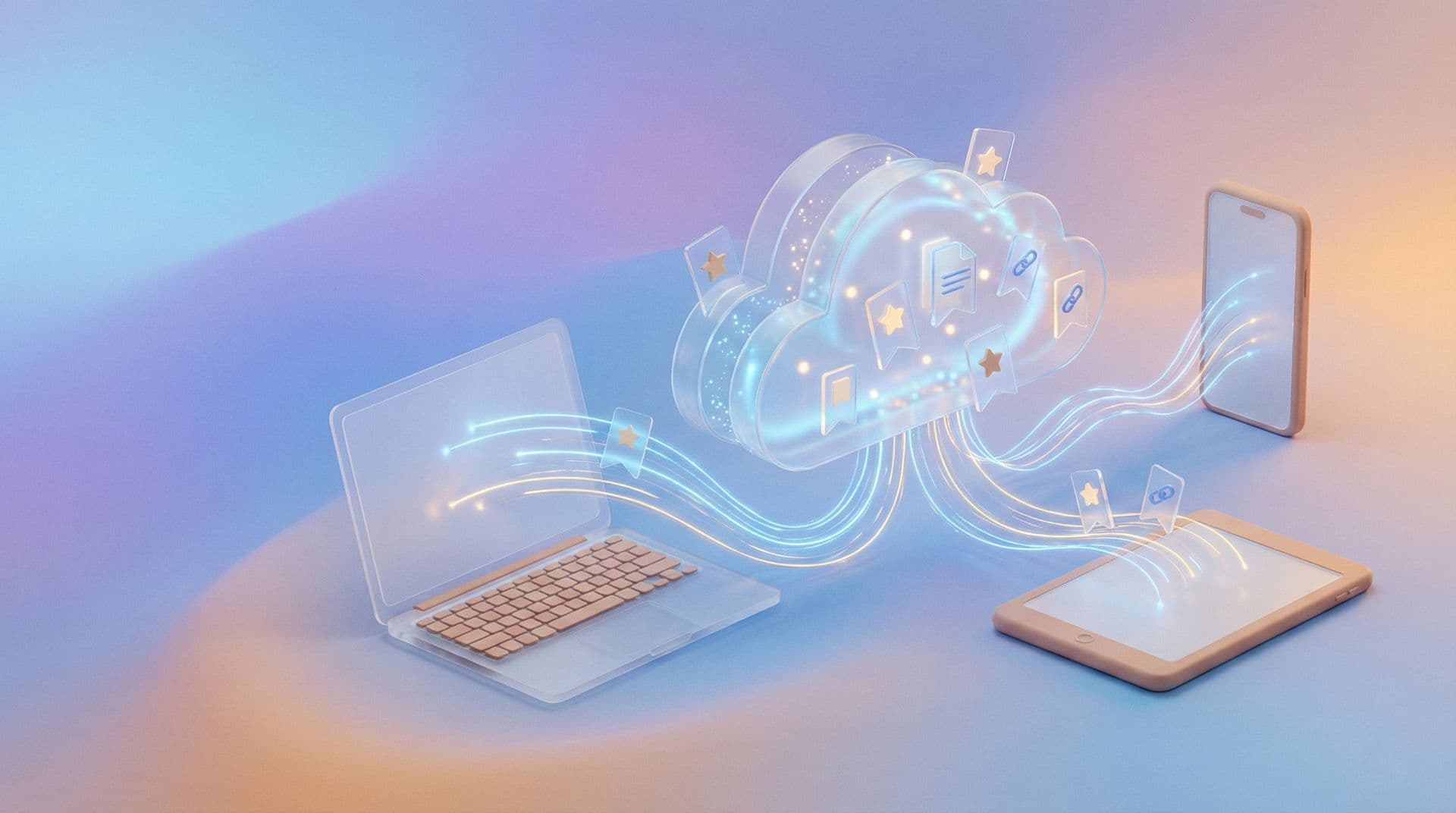
Markify doesn't care what browser you use. It has extensions for Chrome, Safari, Firefox, and Edge. Your collection lives in one place.
Save on your work laptop in Chrome → find it on your commute in Safari → reference it at home in Edge. Same bookmarks, everywhere.
What About xBrowserSync?
xBrowserSync is open-source and free. It syncs across browsers with encryption. The downside: no visual previews, no AI tagging, basic interface. But for privacy-focused users, it's excellent.
My Setup
I stopped thinking about which browser I'm using. Save to Markify from anything, anywhere. The bookmarks just follow me.
Frequently Asked Questions
Does sync work on mobile?
Yes. Markify mobile apps sync automatically.
Is my data encrypted during sync?
Yes. All major tools use encryption for cloud sync.
What if I lose internet?
Most tools cache locally. You can browse existing bookmarks offline and sync when reconnected.
Thanks for reading!
Read more articles

