
Back to Blog
Markify vs Browser Bookmarks: Why Built-in Bookmarks Aren't Enough
Mohd Kaif
January 29, 2026
Markify vs Browser Bookmarks: Why Built-in Bookmarks Aren't Enough
I used browser bookmarks religiously for 10 years. Hundreds of folders, careful naming conventions.
I still couldn't find anything.
The "Other Bookmarks" folder became a black hole. Links went in and never came out. I'd save something important, feel productive, then spend 20 minutes hunting for it a week later.
The Black Hole Problem
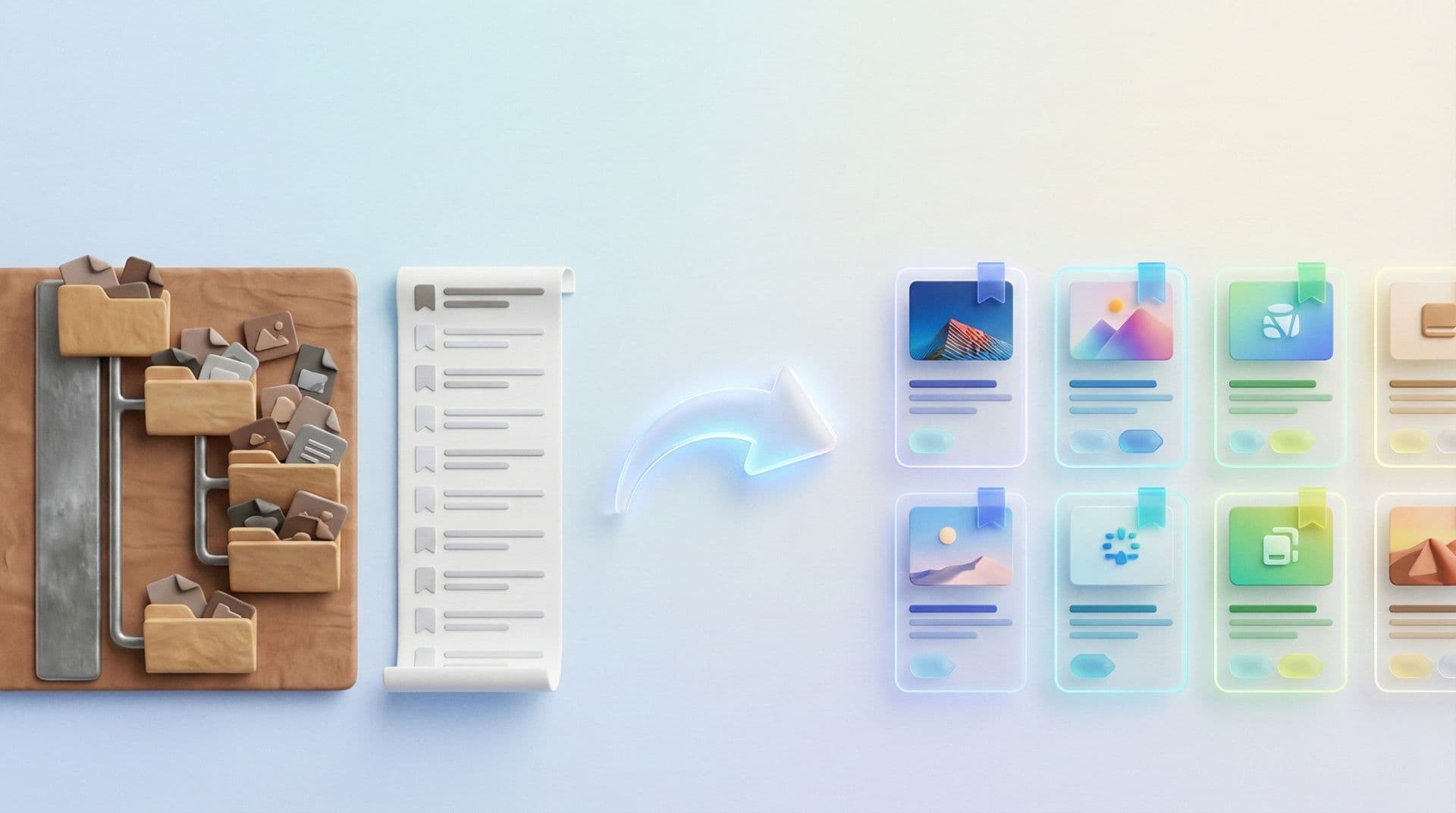
Every link looks the same: a favicon, a title, maybe a truncated URL. With 500 lined up, good luck scanning visually.
I switched to Markify and the difference was immediate. Visual cards with thumbnails. I could recognize sites at a glance.
The Cross-Browser Nightmare
Chrome at work. Safari on my phone. Edge at home. Three browsers, three sets of bookmarks, zero overlap.
Markify is browser-agnostic. One collection, everywhere.
The Context Problem
A browser bookmark is a title and a URL. No notes, no tags. Three months later you're staring at "Interesting Article" with zero memory.
With Markify, I add notes, tags, and the visual preview reminds me what the page looked like.
The Search That Doesn't Exist
Chrome's bookmark search only matches exact titles. Markify searches across titles, descriptions, tags, and notes.
Frequently Asked Questions
Can I import browser bookmarks into Markify?
Yes. Export as HTML, import into Markify. Takes 60 seconds.
Will Markify slow down my browser?
No. The extension is lightweight—only activates when you click it.
Do I need to delete my browser bookmarks after switching?
Not at all. But you probably won't touch them.
Thanks for reading!
Read more articles

